
The OnlyFans App Myth — Why You Can’t Find It (and How to Work Around It)
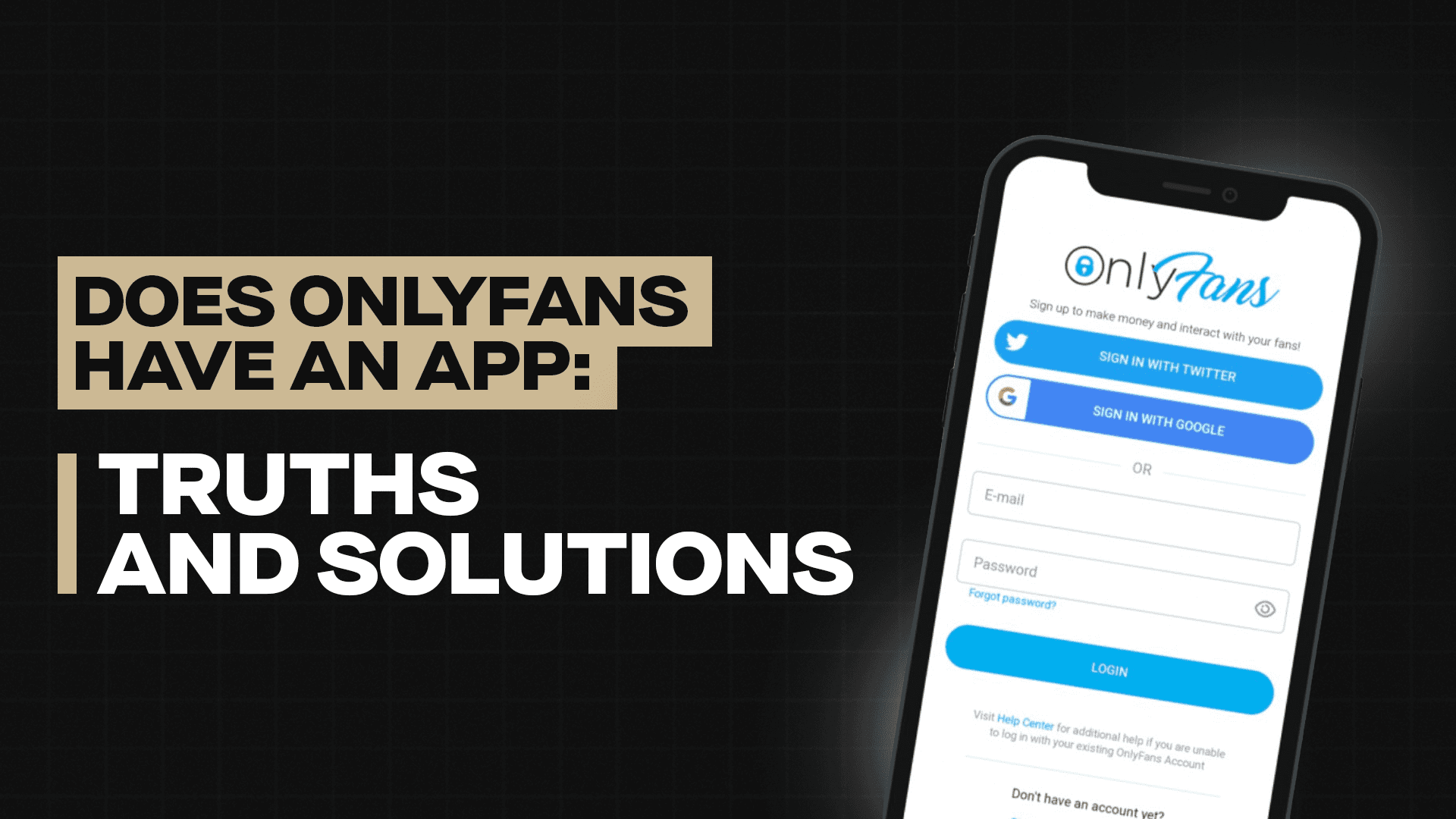
You’ve looked. You’ve searched the App Store, swiped through sketchy Google Play clones, maybe even clicked a random QR code on TikTok (hopefully not). Let’s settle this once and for all:
There is no official OnlyFans app.
Not on iOS. Not on Android. Not hidden under a fake name like “Notes” or “Photo Vault.”
So why, in 2025, is one of the most famous adult content platforms still browser-only?
Why There’s No OnlyFans App
The short answer? Apple and Google don’t want full-frontal in their app stores.
OnlyFans is home to cooking demos, workout tutorials, and wholesome travel vlogs… but everyone knows that the main draw is adult content — explicit photos, videos, live streams, and custom clips. That’s a direct clash with the App Store and Google Play’s strict adult content policies.
Both platforms reject apps that facilitate explicit transactions or put uncensored adult material behind paywalls. Even dating apps with mild suggestiveness have to tiptoe through content rules, and OnlyFans doesn’t hide its NSFW side. The result? No official app.
Any “OnlyFans app” you stumble across is likely a scam, a phishing attempt, or a shady middleman trying to harvest your login info. Best-case scenario, it’s useless; worst-case, it’s malware.
How to Make OnlyFans Feel Like an App (Without the Risk)
Just because there’s no official download doesn’t mean you can’t create an app-like experience. The mobile site is responsive and works surprisingly well if you tweak your setup.
Here’s how to level up your OnlyFans browsing:
1. Add OnlyFans to Your Home Screen
-
iPhone: Open Safari → go to
onlyfans.com→ tap Share → “Add to Home Screen.” -
Android: Open Chrome → visit
onlyfans.com→ tap the three-dot menu → “Add to Home Screen.”
Boom — instant shortcut that looks and behaves like an app icon.
2. Use a Dedicated Browser for Spicy Content
Pick a mobile browser just for adult subscriptions and set it to auto-clear history and cache. That way, you won’t accidentally leave a tab open for the wrong audience.
3. Go Incognito, But Stay Smart
Private mode hides your history, but if you’re logged in, your activity still exists on the site’s end. Don’t share devices unless you’re cool with someone stumbling into your subscriptions.
Get the Most Out of Your OnlyFans Experience
If you’re spending money on subscriptions, make it count. Here are a few pro moves:
• Use a Burner Email for Adult Content
Keep your personal and adult accounts separate. It’s cleaner, safer, and easier to manage.
• Follow Free Accounts
Many creators offer free teaser pages or drop occasional free content. Great for sampling before you commit.
• Watch for Bundle Deals
Some creators release limited-time offers or content packs that give you more for less. Subscribe strategically.
• Tip for Custom Content
Want something made just for you? Be clear, respectful, and generous with your request — it pays off.
• Check Their Other Platforms
Creators often post on Fansly, LoyalFans, or personal sites with different pricing or higher-quality uploads.
Why This Browser-Only Setup Isn’t Going Away Soon
The lack of an official OnlyFans app hasn’t slowed the platform’s growth. In fact, it’s become a defining part of its brand — a slightly rebellious, adults-only space that sidesteps sanitized app store rules.
Apple and Google keep their ecosystems tightly curated, but OnlyFans thrives by giving creators complete control over their content and earnings. It’s not a dating app, it’s not a game, and it’s not trying to be PG-13.
Until app store policies change, your best bet is to make the browser version work for you. With a home screen shortcut, privacy-friendly browsing, and a smart subscription strategy, you can enjoy everything OnlyFans offers without risking your data or downloading shady third-party apps.
So no, you won’t find an “OnlyFans App” in 2025. But with a couple of taps and some clever planning, you can still keep your favorite creators — and your privacy — right at your fingertips.